
How we put Cloudsteading's pages at the edge
Most of the requests Cloudsteading serves come from crawlers: search engines, AI assistants and link checkers reading project pages, one after another. Until now, every one of those requests ran our Worker and read from D1 to render the page again, even when nothing had changed since the last visit.
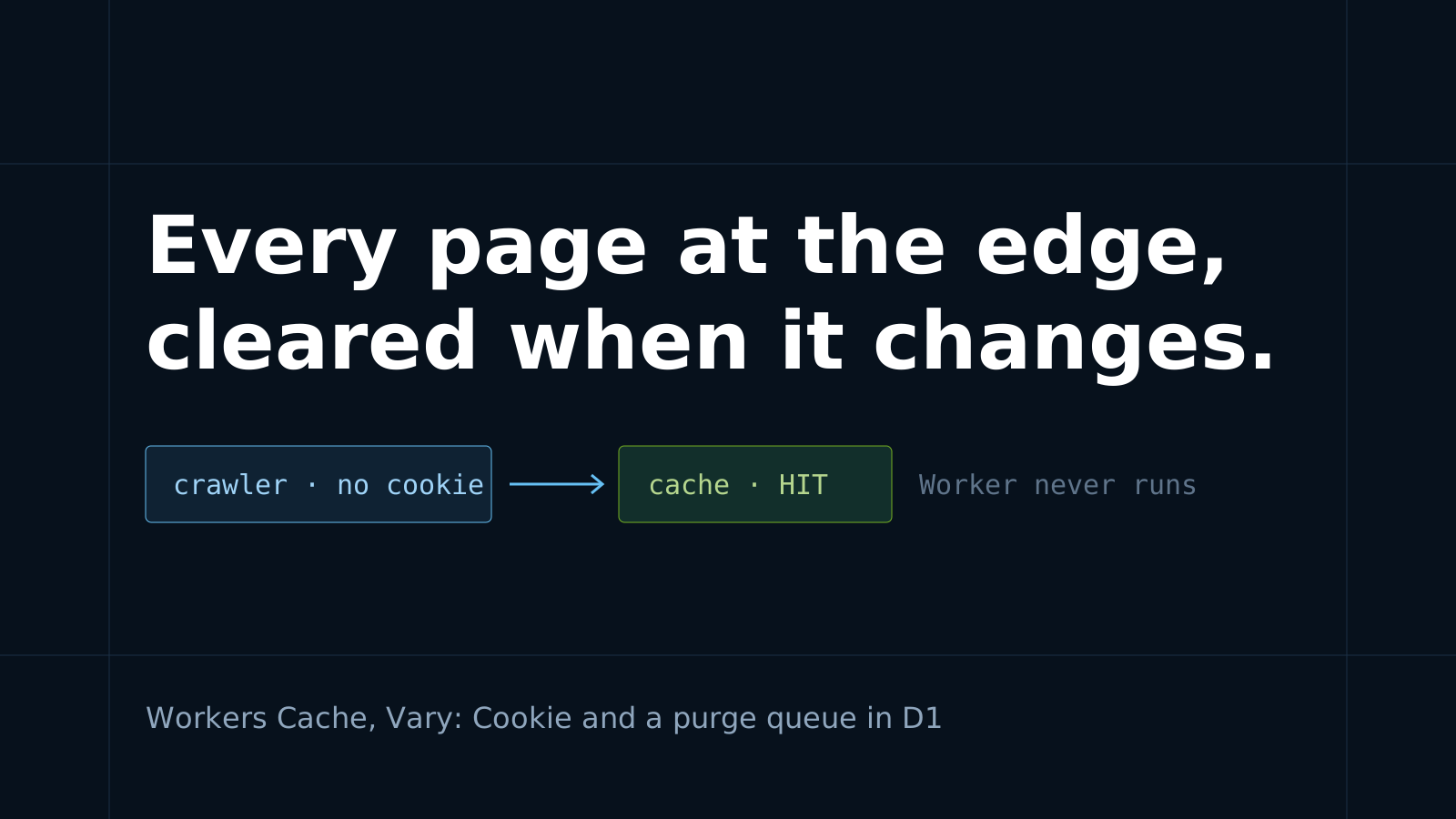
Cloudsteading now caches its public pages in Cloudflare's network using Workers Cache. For a stored page, Cloudflare answers before our Worker runs, so a repeat visit doesn't touch the Worker or the database.
Caching is the easy part. The hard part is clearing the cache at the right moment. Here's how we handle both, and how you can do the same for a Worker of your own.
Who gets the stored page
We have one rule: a stored page is only served to a request with no cookies.
Crawlers almost never send cookies. People usually do: a signed-in member carries a session cookie, and analytics cookies show up after the first visit. Every stored response carries Vary: Cookie, so a request with any cookie never matches the stored copy. It goes to the Worker and gets a page rendered for that visitor.
So nobody gets someone else's page. A signed-in member never sees the signed-out page header, and a cached page never contains a member's details. Admin, submission, dashboard and API routes are never stored at all.
How long pages live
Purging, described in the next section, keeps pages up to date, so the lifetimes below are only a backstop:
| Page | Fresh for | Then |
|---|---|---|
| Project pages, blog posts, episodes, comparisons | 1 day | served stale for up to 7 days while one request re-renders |
| The homepage, directory, categories and other lists | 1 hour | served stale for up to 1 day while re-rendering |
| About, legal and connect pages | 1 week | served stale for up to 30 days |
| The live page | 1 minute | 1 minute |
| Not-found pages | 10 minutes | re-rendered |
Every stored page also carries stale-if-error. If a render fails, visitors get the last good copy rather than an error page.
List pages show vote counts from many projects, so we don't purge them for each vote. They refresh every hour. The page where a vote, comment or rating was made updates within about a minute.
How the cache knows when to forget
Each kind of change clears a different amount of the cache:
- A deploy clears everything. The Worker version is part of the cache key, so new code never serves pages rendered by old code.
- A comment, like, rating or vote clears the page it was made on. Each response is tagged with its path. When a member posts, we purge that one page.
- An admin edit clears everything. Approving, editing or featuring a listing can change any list page, so we purge the whole cache. Admin edits are rare enough for this to be cheap.
- Anonymous requests clear nothing. Only signed-in members can write, so a bot sending form posts can't empty the cache.
The tags are set in one place, as response headers:
Cloudflare-CDN-Cache-Control: public, max-age=86400, stale-while-revalidate=604800, stale-if-error=604800
Cache-Tag: page:detail,astro-path:/projects/benvinegar/counterscale
Vary: Cookie
Cache-Control: public, max-age=60
Cloudflare-CDN-Cache-Control sets how long Cloudflare keeps the page and is removed before the response reaches the browser. The plain Cache-Control lets a browser reuse the page for one minute, so a purge reaches visitors quickly.
Staying under the purge limit
Workers Cache allows a limited number of purge requests: five a minute, with a burst allowance. A busy discussion could use that up.
So writes don't purge straight away. Each write adds its tags to a small queue table in D1. The queue is sent as a single purge of up to 100 tags. If Cloudflare refuses because of the rate limit, the tags stay in the queue and go out with the next write. A cron trigger checks the queue every minute and sends anything still waiting. However busy things get, pages clear within a minute or two.
import { cache } from 'cloudflare:workers';

const result = await cache.purge({ tags: ['astro-path:/projects/benvinegar/counterscale'] });
if (!result.success) {
  // Rate limited: leave the tags queued and try again later.
}
The bots a cache can't catch
Once the cache was live, we looked at the traffic it wasn't catching. In one 80-second sample, the Worker served 2,083 requests from 2,035 different IP addresses. None of them sent a cookie, and 98% asked for a filtered directory page like this:
/built-with/d1?primitive=browser-rendering,containers,d1,kv,websockets&replaces=bugsnag,gumroad,sendbird,statuspage&type=project
Our directory filters combine freely. Each page links to more combinations, and a crawler that follows every link never runs out of new URLs. This one used a residential proxy network and browser-like user agents. It went up to 30 filter values deep, and the database was answering with "overloaded" errors. A cache doesn't help, because every URL is new.
The fix is one rule that runs before sign-in or any database query: a request with no cookies and more than two filter values is redirected to the unfiltered page. That page is cached. People browsing the site carry cookies after their first page, so they can still combine as many filters as they like.
In the next sample, 2,399 of 2,590 requests got that redirect. There were no database errors. Every request still reaches the Worker, but a redirect costs a fraction of a millisecond of CPU and no queries. A firewall rule could stop these requests before they reach the Worker at all, and that's our next step.
If your project has filters, faceted search or sortable lists, look at your logs for this pattern. Tidy URLs don't stop it. You need a limit.
What it costs
Read the pricing before you turn this on. With Workers Cache enabled, every request to the Worker is billed at the standard request rate, and that includes cache hits. Static asset requests are billed too, and those are free when caching is off. A cache hit uses no CPU time, which is where a page render that reads from D1 costs the most.
Our pages load a lot of logos and screenshots, so we also tell browsers to keep unhashed images for a day. Returning visitors then don't request each image again.
Try it on your own Worker
If your project runs on Workers, start small:
// wrangler.jsonc
{
  "cache": { "enabled": true }
}
Then return Cache-Control: public, max-age=3600 from the responses that are the same for everyone, and private, no-store from everything else. Deploy, request a page twice, and look for cf-cache-status: HIT on the second response.
Then add tags and purges, and choose one rule for which requests get the shared copy. For us that rule is "no cookies".
Many of the projects in the Cloudsteading directory run on Workers. Projects built with D1 and with KV gain the most from this, because the cache answers before any database read.
Questions or corrections are welcome in the discussion below.
Discussion · 0
sign in to comment →