Calendly alternatives: choose the scheduling workflow
CloudMeet is the reviewed Cloudflare candidate for a personal booking page with Google and Outlook calendars. Other self-hosted schedulers have different server and database requirements. Start with the booking flow you actually need, then decide whether you want to operate it yourself.
By Cloudsteading · Sources checked 2026-10-01 · Independent guide
Four options with different hosting requirements
A booking page, a sales-team router and a group scheduling poll solve different jobs. Our shortlist puts the reviewed Cloudflare project first and makes the infrastructure boundaries explicit. Mentioning another scheduler here does not establish a free Workers deployment or import it into the Cloudsteading catalog.
| Option | Workflow to evaluate | Hosting evidence | Decision before adopting |
|---|---|---|---|
| CloudMeet | Personal booking with Google and Outlook calendar integration | Reviewed Pages, D1, KV and reminder Worker | OAuth setup, admin account, email provider and workload limits |
| Cal.diy | A broader self-hosted scheduling codebase | Repository setup documents PostgreSQL | Assess its complete stack; no free Cloudflare deployment is established here |
| Easy!Appointments | Appointment booking and Google Calendar synchronization | Vendor documents a PHP/MySQL web-server setup | Operate a compatible server and assess the appointment workflow |
| Rallly | Evaluate its scheduling workflow against your requirements | Current self-hosting documentation uses Docker Compose and PostgreSQL | Review server needs and licensing before choosing a multi-user deployment |
CloudMeet: begin with the Cloudflare candidate
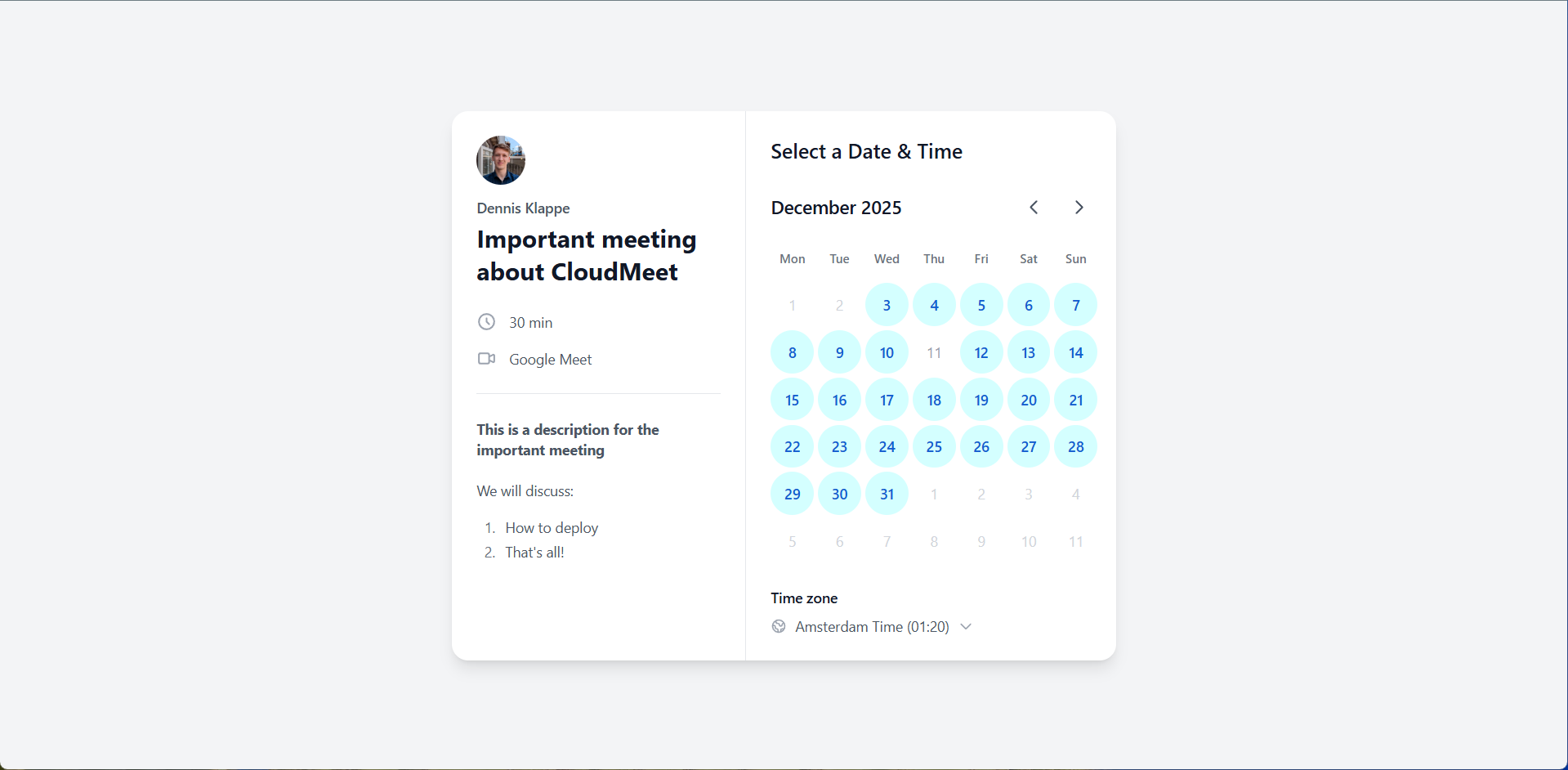
CloudMeet’s project page shows the upstream interface, original README, MIT license and configuration-derived infrastructure. The author documents configurable availability, multiple event types, Google/Outlook integration and meeting links. Its default setup requires administrator and provider credentials; optional email uses a separate service.
For a personal booking workflow, that is a concrete starting point. It does not prove that the app can replace every managed-team feature. Examine the CloudMeet vs Calendly comparison before assuming that lead routing, payments or enterprise controls transfer.
Other self-hosted choices need a different infrastructure budget
The Cal.diy repository documents a PostgreSQL setup. Easy!Appointments requires PHP, MySQL and a compatible web server. Rallly’s current runbook describes a Docker Compose stack and directs users to licensing requirements. Those sources are useful context for ownership decisions, but they do not support calling the complete apps free Cloudflare-native deployments.
When the managed free plan is enough
If one event type and one connected calendar cover your scheduling, first check Calendly Free. Self-hosting to remove a bill you do not currently pay can add maintenance without saving subscription costs. For more event types, reminders, routing or AI tools, compare the current Calendly pricing guide against your actual requirements.
Pilot the booking flow that matters
Test availability across your calendars, time zones and daylight-saving changes. Have someone book, reschedule and cancel a meeting. Confirm event creation, conflict handling and any intended reminders before changing existing booking links. Record which integrations and event settings must be rebuilt.
The Cloudflare setup checklist covers the reviewed configuration. No fresh installation or production migration has been performed for this article, so expand from a successful pilot rather than assuming every feature is ready.
Common questions
What is a Calendly alternative that runs on Cloudflare?
CloudMeet documents Cloudflare Pages, D1, KV and a reminder Worker. Its reviewed source supports personal scheduling with Google and Outlook integrations. Free hosting remains conditional on workload and external services.
Can CloudMeet replace Calendly Teams?
Complete Teams parity has not been established. The reviewed README does not establish equivalent round-robin routing, Salesforce workflows or enterprise administration. Test those requirements before switching.
Do I need to self-host to avoid a scheduling subscription?
No. Calendly has a Free plan with one event type and one connected calendar. If that covers the workflow, using it may avoid both a subscription and server maintenance.
Sources and review
- CloudMeet pinned README ↗
- CloudMeet Pages and database configuration ↗
- CloudMeet reminder Worker configuration ↗
- Calendly pricing and feature comparison ↗
- Calendly plan selection and annual seat tiers ↗
- Cloudflare Pages Functions billing ↗
- Cal.diy repository and PostgreSQL setup ↗
- Easy!Appointments hosting requirements ↗
- Rallly self-hosting and licensing introduction ↗
Recommendations are Cloudsteading’s editorial assessment. Repository review establishes documented capabilities; it does not prove a fresh deployment or complete feature parity. Prices and platform limits can change.