Open source Bitly alternatives you can host yourself on Cloudflare
If you want an open source Bitly alternative that runs on Cloudflare, six catalog projects list Bitly as the service they replace: Sink (AGPL-3.0), shrtnr (Apache-2.0), OpenShortLink (AGPL-3.0), Relay (MIT), Short (MIT) and x-dr/short (MIT). All six create short links and redirect them from your own Cloudflare account; Sink, shrtnr, OpenShortLink and Relay also report clicks, while the two Pages projects keep a simple click log. None is a managed service, so none gives you Bitly's support, uptime commitments or enterprise controls, and Cloudsteading has not deployed any of them.
By Cloudsteading · Sources checked 2026-11-11 · Independent guide
What you can and cannot replace
Bitly shortens links, lets you brand them, and shows who clicked. Its pricing page lists a Free plan with 5 links and 2 QR Codes a month, Core at $10 a month billed annually ($120 a year) with 100 links a month, Growth at $29 a month billed annually ($35 billed monthly) with 500 links a month, and Premium at $199 a month billed annually ($300 billed monthly) with 3,000 links a month (Bitly pricing, checked 11 November 2026). People who search for a Bitly alternative usually want one of three things: a monthly link cap that is not their problem, links on their own domain, or click data they own.
The catalog lists six published projects that name Bitly as the service they replace: Sink, shrtnr, OpenShortLink, Relay, Short and x-dr/short. Each row below describes what the project's own README and configuration declare, at the commit pinned on its page. These are source reviews, not test deployments by us, and the catalog's scope notes exclude Bitly's managed service, support and enterprise administration.
Bitly alternatives that run on your own Cloudflare account
| Project | License | Best for | What it lacks next to Bitly |
|---|---|---|---|
| Sink | AGPL-3.0 | The fullest feature list: slugs, expiry, passwords, device and country routing, QR codes, analytics | Aimed at individuals and small teams; its README sends business needs (managed service, multi-user, SLA) to a separate hosted product |
| shrtnr | Apache 2.0 | Teams and developers: REST API, SDKs, MCP server, bundles with combined analytics | Needs Cloudflare Access for sign-in; password links, tags, device and geo routing, import and export and webhooks are roadmap items |
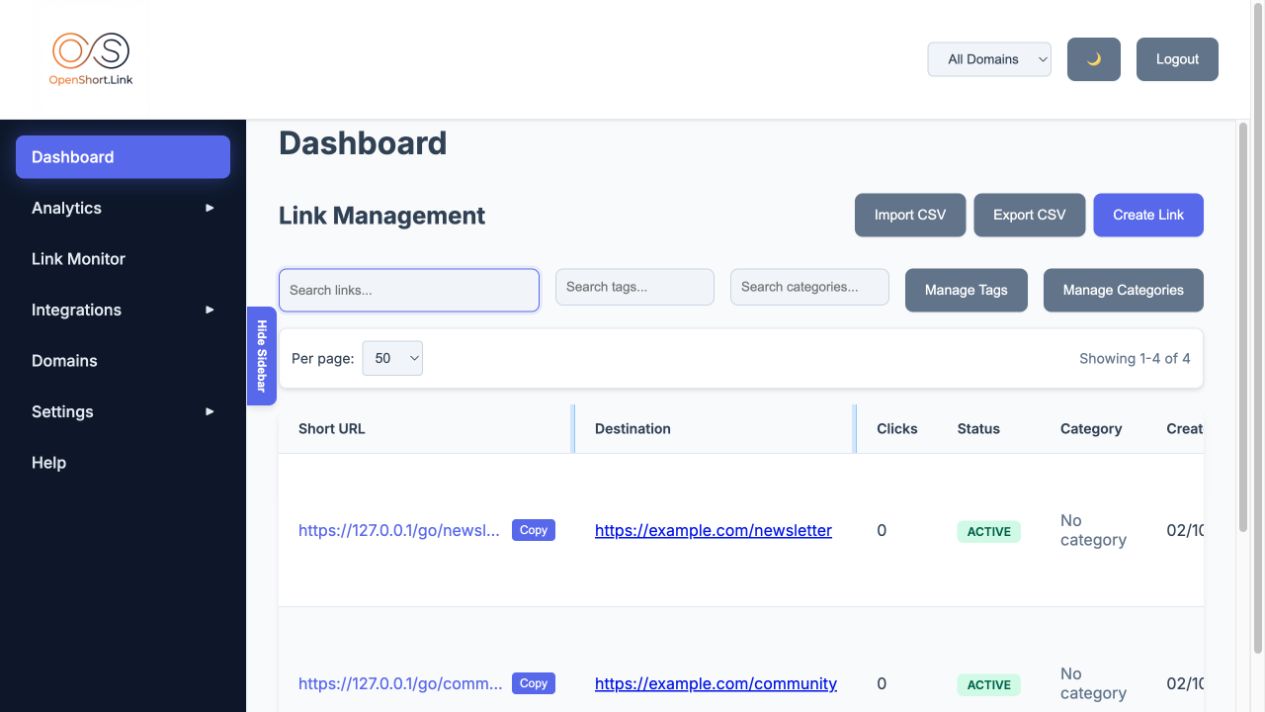
| OpenShortLink | AGPL-3.0 | Multi-domain links with geo and device routing, Open Graph previews, tags, CSV import and export | Enterprise administration and managed SLAs are outside the catalog's scope; no dependency lockfile upstream |
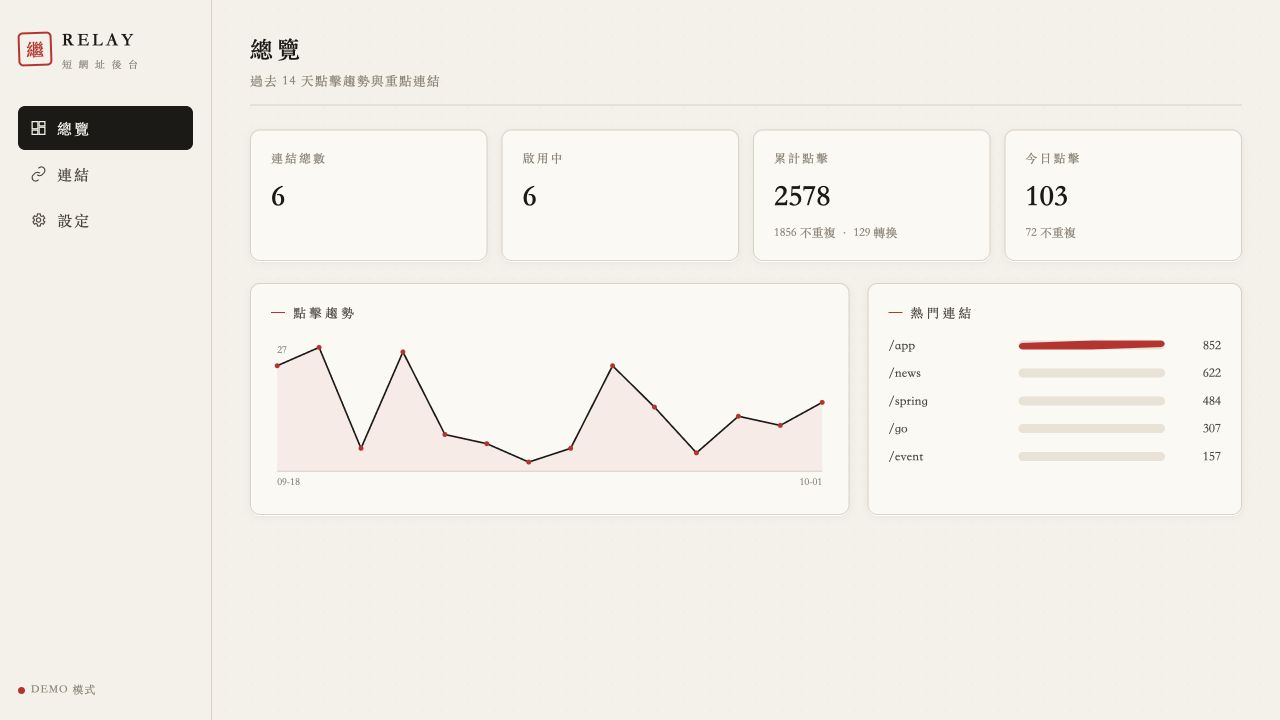
| Relay | MIT | One Worker and D1, source tracking with /suffix, A/B split, cookieless conversion postback |
Dashboard is a separate index.html you host or open locally; enterprise controls are excluded |
| Short | MIT | The smallest setup: Cloudflare Pages, one D1 database and a create API | No dashboard or analytics described; local review found bugs to fix before public use |
| x-dr/short | MIT | The same small Pages and D1 shortener, the project Short was forked from | No campaign analytics or admin suite; its README is in Chinese |
Each project page shows the README, the license and a configuration-derived architecture diagram. The diagrams describe the declared setup, not something we ran.
Sink: the longest feature list
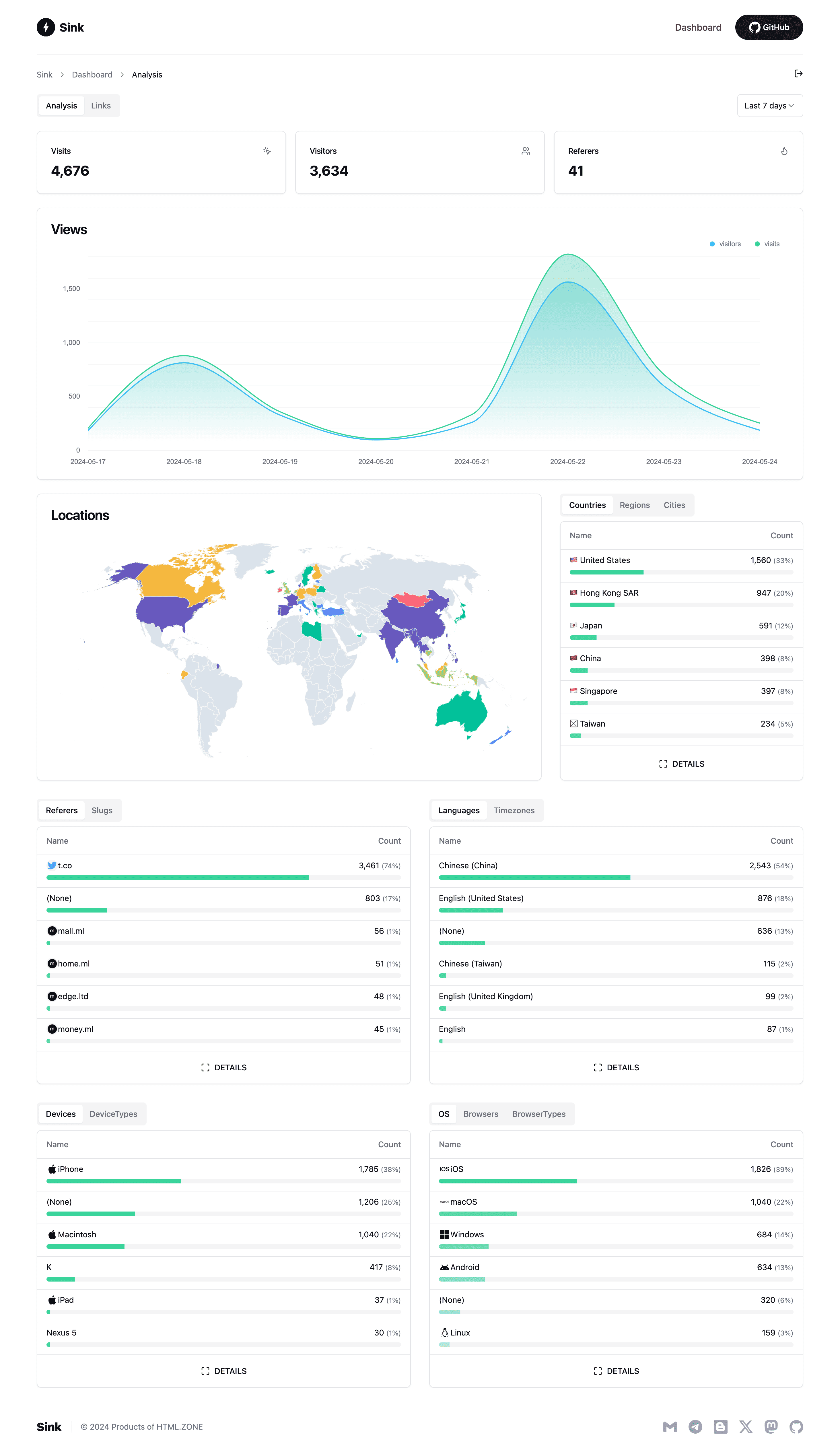
Sink's README describes itself as "a simple, speedy, secure, and serverless link shortener with analytics, running entirely on Cloudflare". It lists custom slugs with UTM parameters, expirations, passwords and unsafe-link warning pages, redirects by device or country, custom social previews, QR codes, JSON import and export of links and CSV export of analytics, and a live view that polls analytics every 10 seconds. It also lists optional Workers AI to suggest slugs, and a built-in MCP endpoint for AI assistants.
The pinned wrangler.jsonc declares a Worker, a D1 database, a KV namespace, an R2 bucket, Workers AI and an Analytics Engine dataset. The README says D1 is the authoritative link store and KV is a read cache, and that R2 is only for optional snapshots. The README recommends deploying to Workers and calls the Pages route deprecated.
What it lacks next to Bitly: the README says Sink is for "individuals and small teams" and points professional needs, "managed service, multi-user, SLA", to a separate hosted product. The catalog's review notes it was not runtime-tested and that the base config declares Workers AI and R2 even though the README treats them as optional. License: AGPL-3.0-only, so if you modify it and offer it over a network you must share your source.
shrtnr: an API and sign-in for a team
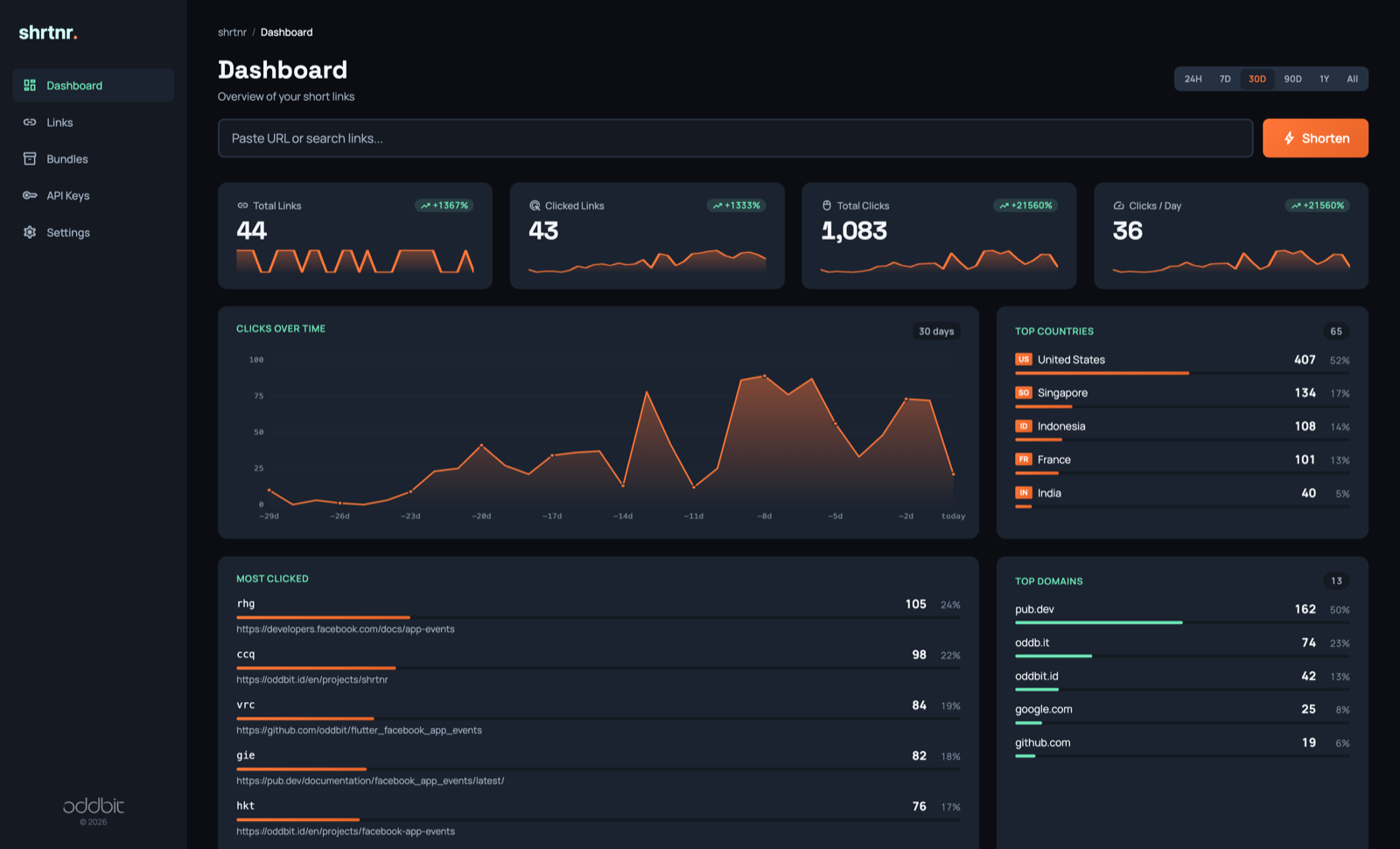
shrtnr's README calls it "a programmable link layer for apps, teams and AI agents". Sign-in runs through Cloudflare Access, so each teammate has their own identity, and only the creator of a link or bundle can edit, disable or delete it. It ships a REST API with an OpenAPI spec, typed SDKs for TypeScript, Python and Dart, and an MCP server. One destination can have several slugs, each tracking its own clicks, and bundles roll up a whole campaign's clicks into one report. Analytics cover country, referrer, device, browser and QR scan versus link click, and links can expire.
What it lacks next to Bitly: the catalog's review says Cloudflare Access is required for administrator sign-in, so you need a suitable small-team Access entitlement, and that password-protected links, tags, device and geo routing, import and export and webhooks are roadmap items, not current parity. License: Apache-2.0.
OpenShortLink and Relay
OpenShortLink is the most Bitly-shaped of the group. Its README lists custom domains and multi-domain support, custom slugs, geo-targeting for up to ten countries per link, device routing, a choice of 301, 302, 307 or 308 redirects, custom Open Graph previews, UTM tracking in Analytics Engine, tags, bulk operations, CSV import and export, and QR codes with scan tracking. It runs on Workers and KV with a one-click Deploy to Cloudflare button. Review notes record a local run with synthetic data in which owner setup, login, link creation, a real redirect and some CSRF rejections passed, and that upstream has no dependency lockfile. License: AGPL-3.0.
Relay is a single Worker that serves redirects and the admin API, with data in D1. Its README stresses changing a link's destination without changing the link, a /suffix on a link (for example /spring/ig) to count channels separately, a weighted A/B split, device and country routing, passwords, expiry, QR codes, CSV or JSON export, and a cookieless /track postback that reports conversions per channel. It also says plainly who it is not for: "If you just shorten the occasional URL and don't care about data — a ready-made service like Bitly is less hassle", and people who do not want to use a terminal at all. The admin dashboard is a single index.html that you open locally or put on Cloudflare Pages, not an embedded Worker UI. License: MIT.
Short and x-dr/short: the minimal route
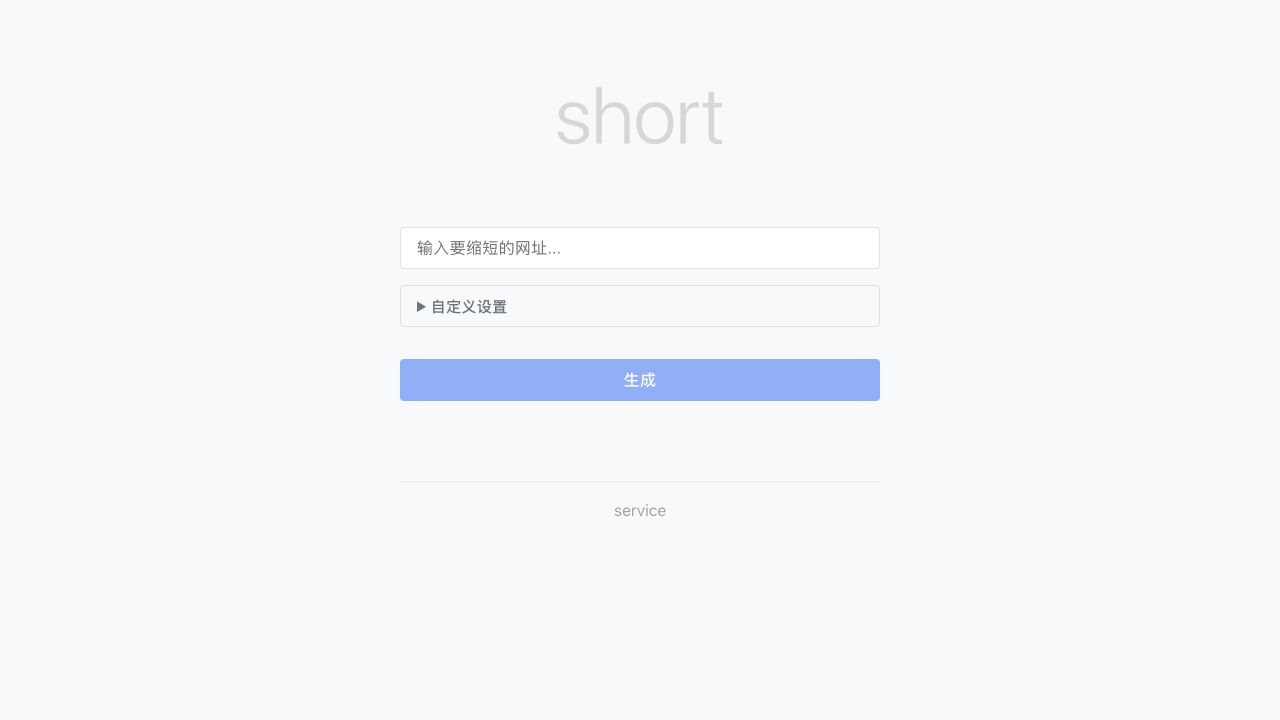
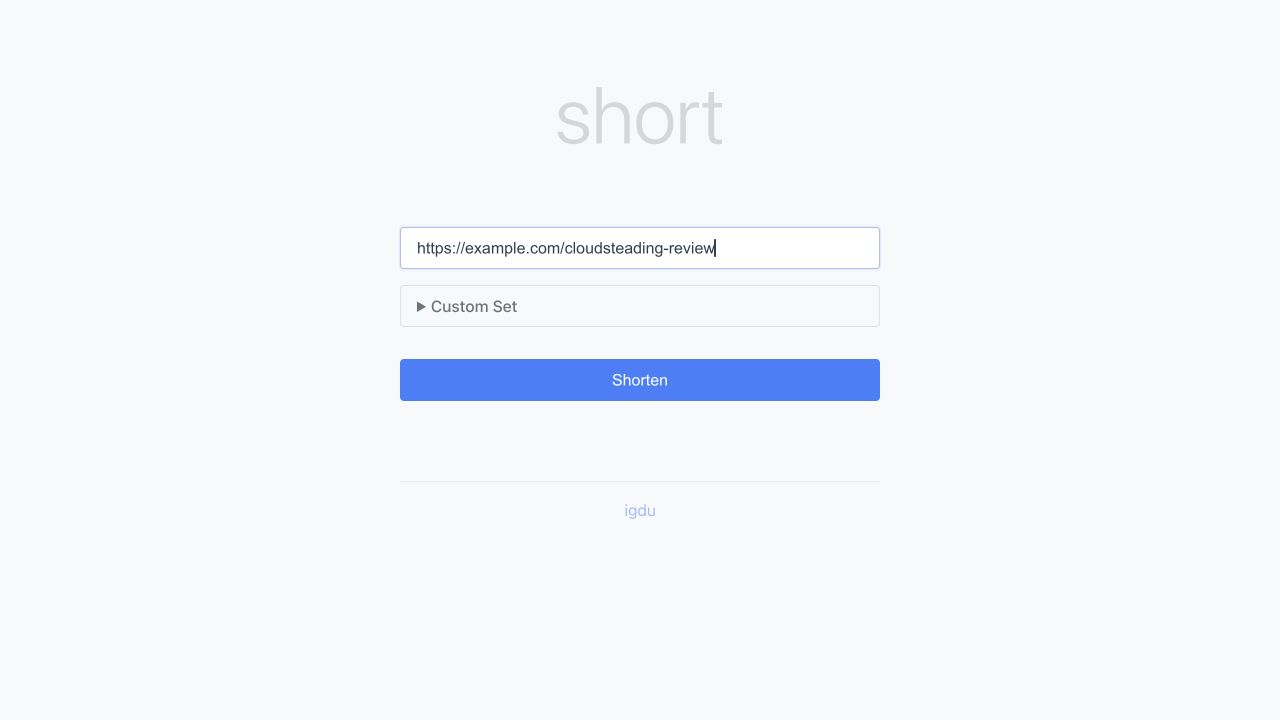
Both are Cloudflare Pages projects with a D1 database bound as DB. The README for Short, a fork of x-dr/short, walks through forking the repo, connecting it to Pages, creating the D1 database, running the SQL for a links and a logs table, binding the database and redeploying, and documents a POST /create call that takes a URL and an optional slug. The logs table stores referrer, user agent and IP, with nothing in the README about a dashboard to read it.
Treat both as starting points, not finished products. The catalog's review of Short ran its original create and redirect handlers locally and found that reusing a custom slug fails, that generated links on localhost omit the port, and that URLs containing an apostrophe are rejected because of unescaped SQL. It advises fixing those before exposing the project publicly. The x-dr/short review flags query interpolation and request logging for a separate security and privacy check. The README's SQL begins with DROP TABLE, which is for first-time setup only; do not rerun it on a database with links in it. Both are MIT licensed.
Deploy Relay on your own Cloudflare account
Relay's README has the plainest step-by-step route, so these are its steps. Cloudsteading has not run them against a production Cloudflare account.
- Install Wrangler and log in:
npm i -g wrangler, thenwrangler login. - Create the database:
wrangler d1 create relay. Paste the returneddatabase_idintowrangler.toml, then load the schema withwrangler d1 execute relay --remote --file=./schema.sql. - Set the admin secret:
wrangler secret put ADMIN_TOKEN, using a long random string. - Deploy the Worker:
wrangler deploy. It prints a URL likehttps://relay.<your-subdomain>.workers.dev. - Open
index.htmlin a browser, or drop it on Cloudflare Pages, go to Settings, enter the Worker URL and your admin key, and click Test connection. - Optional: add your domain to Cloudflare, uncomment the
[[routes]]block inwrangler.toml, set the pattern and runwrangler deployagain.
The README also says to check three things before going live: set TZ_OFFSET, which defaults to +8, to your timezone; use the built-in BLOCKLIST setting or an optional Google Safe Browsing key against abuse; and note that robots.txt disallows all crawling by default so short links are not indexed. The one-click Deploy to Cloudflare button forks the repo and provisions D1, after which you still load the schema and set ADMIN_TOKEN.
To compare with Sink's route, its README points to its own documentation for Workers deployment, and the pinned wrangler.jsonc says production IDs should be set through DEPLOY_* variables and a private NUXT_SITE_TOKEN.
Will it stay free?
Workers Free allows 100,000 requests a day and 10 ms of CPU per invocation, and every redirect is one request, shared across everything on the account. D1 on the Free plan allows 5 million rows read and 100,000 rows written a day, with 5 GB of storage. KV on the Free plan allows 100,000 reads a day but only 1,000 writes, deletes and list operations a day each (Cloudflare pricing pages, as captured in the catalog's reviews). A shortener that writes a click row for every visit uses D1 writes, and one that refreshes a KV cache uses KV writes, so the write allowances can run out before the request allowance does. The catalog marks all six as eligible for Free-plan allowances for a small workload, and describes that as conditional eligibility, not a measured zero-cost deployment. A custom domain and optional features such as Workers AI beyond 10,000 neurons a day are separate costs. Cloudsteading has not measured any project's usage.
Other options outside the catalog
The people searching for a Bitly alternative want the whole picture, so here are two options that are not in the catalog. We have not reviewed them as listings. Facts are from their own sites, checked 11 November 2026.
- YOURLS describes itself as "your own URL shortener" and as open source software with full control over your data on your own domain. Its footer says it is licensed MIT. It is a PHP application, so it needs a server rather than Cloudflare Workers.
- Dub describes itself as an open source link attribution platform for short links and conversion tracking, and its README links a self-hosting guide.
Before you switch
- Count your links and clicks. Bitly's Free plan lists 5 links a month; every project above has no such cap in its README, but you carry the hosting and the upkeep.
- Decide who signs in. Sink and Relay use a single site or admin token, shrtnr uses Cloudflare Access for named people, and the Pages projects describe no sign-in at all.
- Keep your old bit.ly links working. They live on Bitly's domain, so keep the account for as long as they are in use and put new links on your own domain.
- Read the license. AGPL-3.0 projects (Sink, OpenShortLink) ask you to share your source if you modify them and run them for others; MIT and Apache 2.0 are lighter.
- Plan for abuse. A public shortener can be used to hide bad links. Relay's README describes a blocklist and optional Safe Browsing checks; check what your choice offers.
- Expect to maintain it. None of these has a support team or an uptime commitment.
We read each README, configuration and license at the pinned commit linked on its project page. Cloudsteading did not deploy, benchmark or migrate any project named here. For the wider picture, see what self-hosting is and the Workers projects in the catalog. If you maintain one of these projects and something here is wrong, you can ask for a correction or removal through support.
Common questions
What is a good open source alternative to Bitly?
Of the projects in the Cloudsteading catalog, Sink has the longest feature list in its README: custom slugs, expiry, passwords, device and country routing, QR codes, click analytics and JSON or CSV export, under the AGPL-3.0-only license. Relay (MIT) has the clearest step-by-step deployment in its README. shrtnr (Apache-2.0) is the one built around an API and team sign-in through Cloudflare Access. YOURLS, which is not in the catalog, is a well-known PHP option.
Is there a free Bitly alternative?
Bitly's pricing page lists a Free plan with 5 links and 2 QR codes a month, checked 11 November 2026. The six catalog projects are free to download. Hosting one can fit Cloudflare's free allowances for a small workload (Workers Free allows 100,000 requests a day), but the catalog calls that conditional eligibility, not a measured zero cost, and a custom domain is a separate cost.
Can I self-host a URL shortener on Cloudflare for free?
Possibly, for a personal or small-team workload. Every redirect is a Worker request, so the Workers Free allowance of 100,000 requests a day and 10 ms of CPU per invocation is the first limit, followed by D1 (5 million rows read and 100,000 rows written a day) and KV (100,000 reads and 1,000 writes a day) where a project uses them. Cloudsteading has not measured any of the six.
Which Bitly alternative has click analytics?
Sink, shrtnr, OpenShortLink and Relay list click analytics in their READMEs, covering fields such as country, referrer, device and browser. Sink and OpenShortLink use Cloudflare Analytics Engine, and Relay stores clicks in D1. Short and x-dr/short only describe a logs table in D1 that records referrer, user agent and IP, with no dashboard described in their READMEs.
Do these projects have QR codes?
Sink, shrtnr, OpenShortLink and Relay list QR code generation in their READMEs. Relay says its QR codes are generated in the browser with an inlined library, with no third-party request. Short and x-dr/short do not mention QR codes.
Can I use my own domain?
Yes for the four fuller projects: OpenShortLink lists custom domains and multiple domains, and Relay documents attaching a short domain through a route in wrangler.toml. Short's README documents binding a custom domain in Cloudflare Pages. A domain you do not own already costs money to register, which the catalog treats as separate from hosting.
Can I move my existing bit.ly links?
The catalog does not verify migration compatibility for any of the six. Links on bit.ly domains stay with Bitly, so a move means recreating the links on your own domain and leaving redirects at Bitly for as long as the old links are in use. OpenShortLink and Sink list CSV or JSON import, which may help with recreating them in bulk.
Are there other Bitly alternatives outside the catalog?
Yes. YOURLS is an open source PHP shortener whose site says it is licensed MIT, and Dub describes itself as an open source link attribution platform with a self-hosting guide. Both were checked on 11 November 2026 and neither is a catalog listing, so we have not reviewed them.
Sources and review
- Bitly pricing (checked 11 November 2026) ↗
- Sink pinned README ↗
- shrtnr pinned README ↗
- OpenShortLink pinned README ↗
- Relay pinned README ↗
- Short pinned README ↗
- YOURLS ↗
- Dub README ↗
- Cloudflare Workers pricing ↗
- Cloudflare D1 pricing ↗
- Cloudflare KV pricing ↗
Recommendations are Cloudsteading’s editorial assessment. Repository review establishes documented capabilities; it does not prove a fresh deployment or complete feature parity. Prices and platform limits can change.